Seasonal collection
Halloween email templates, ready to send.
13 free promo emails for shops, venues and apps: costume sales, BOGO candy, haunt tickets, pub nights, giveaways and abandoned-cart saves. Pick one, change the offer in the visual builder, and send.
13 templates · Free to use · 9,000 emails/month free
All 13 Halloween templates
Every design is built around a real offer: a number, a deadline and one clear button.
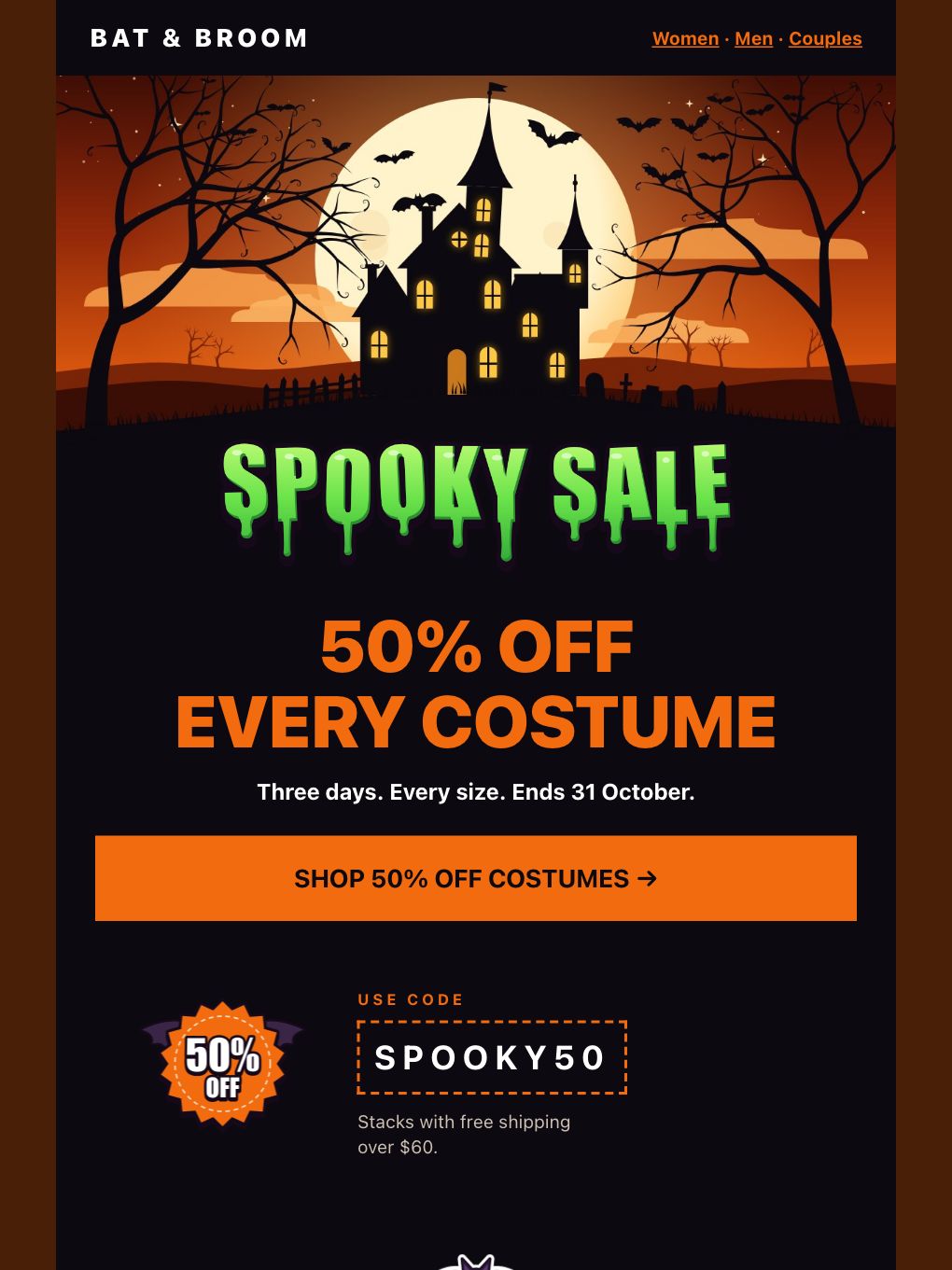
Halloween Spooky Sale — Costume Shop
Promotional · E-commerce
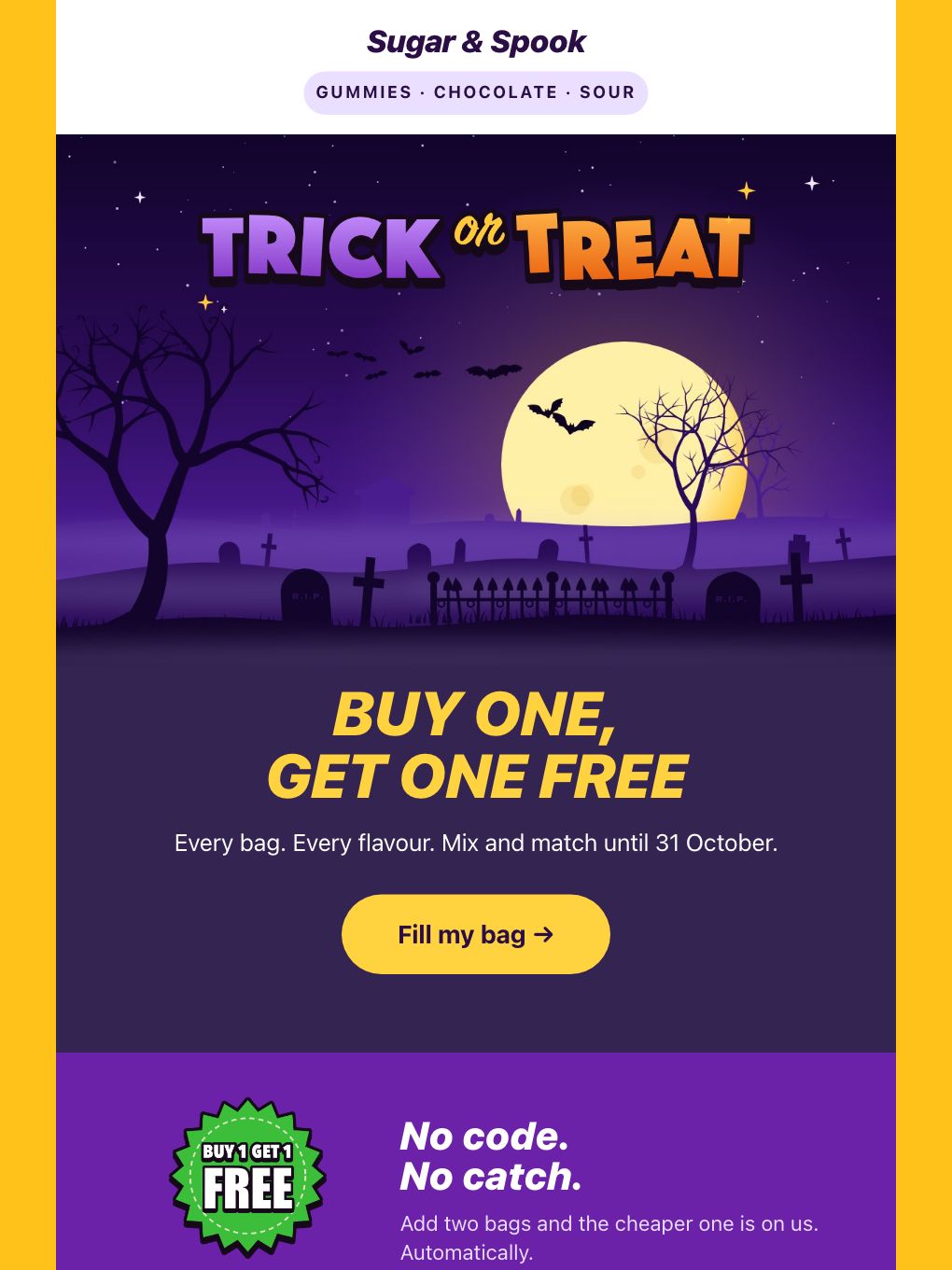
Halloween BOGO — Candy Shop
Promotional · E-commerce
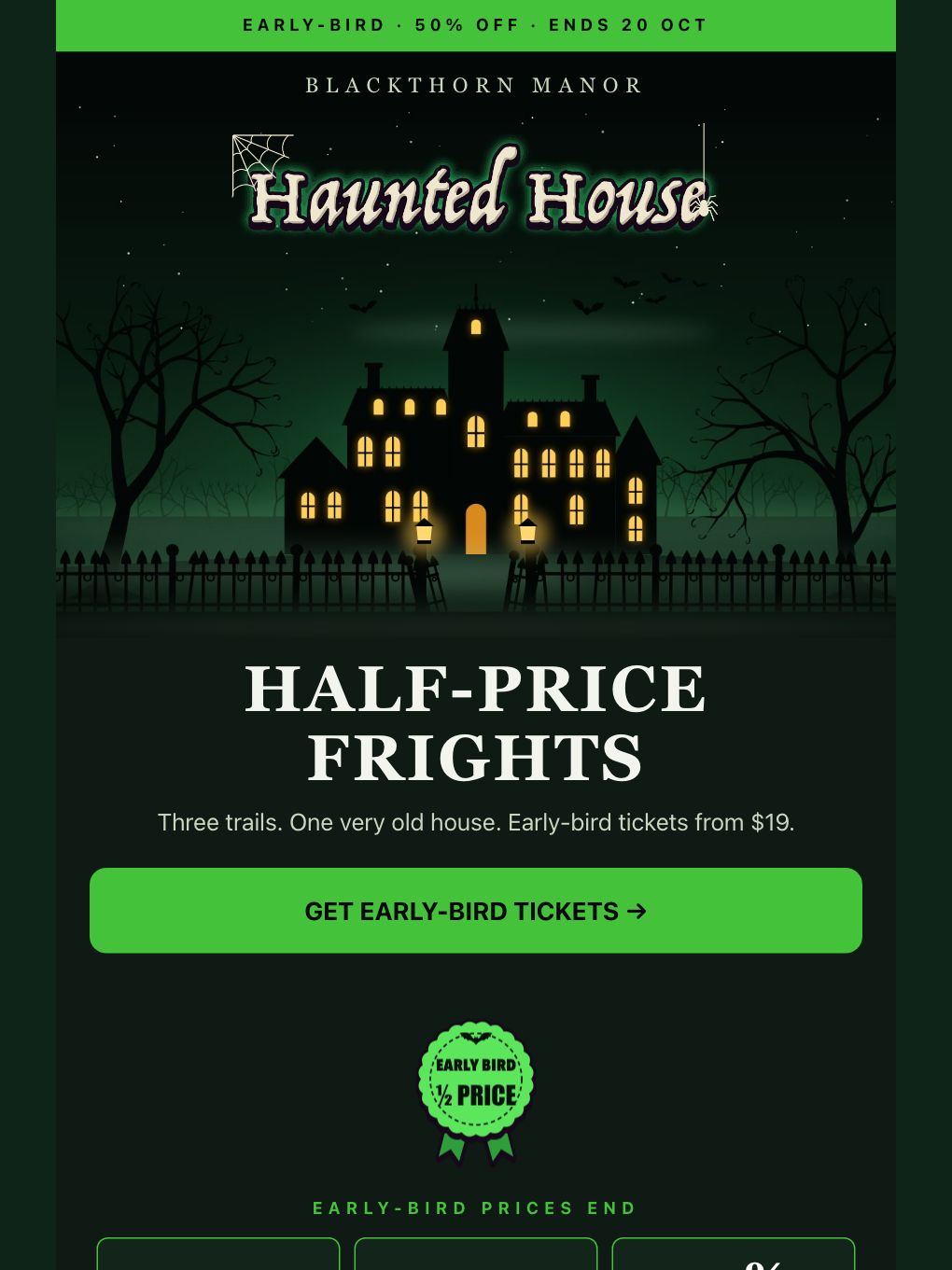
Halloween Early-Bird Tickets — Haunted Attraction
Event invitations · Travel & Hospitality
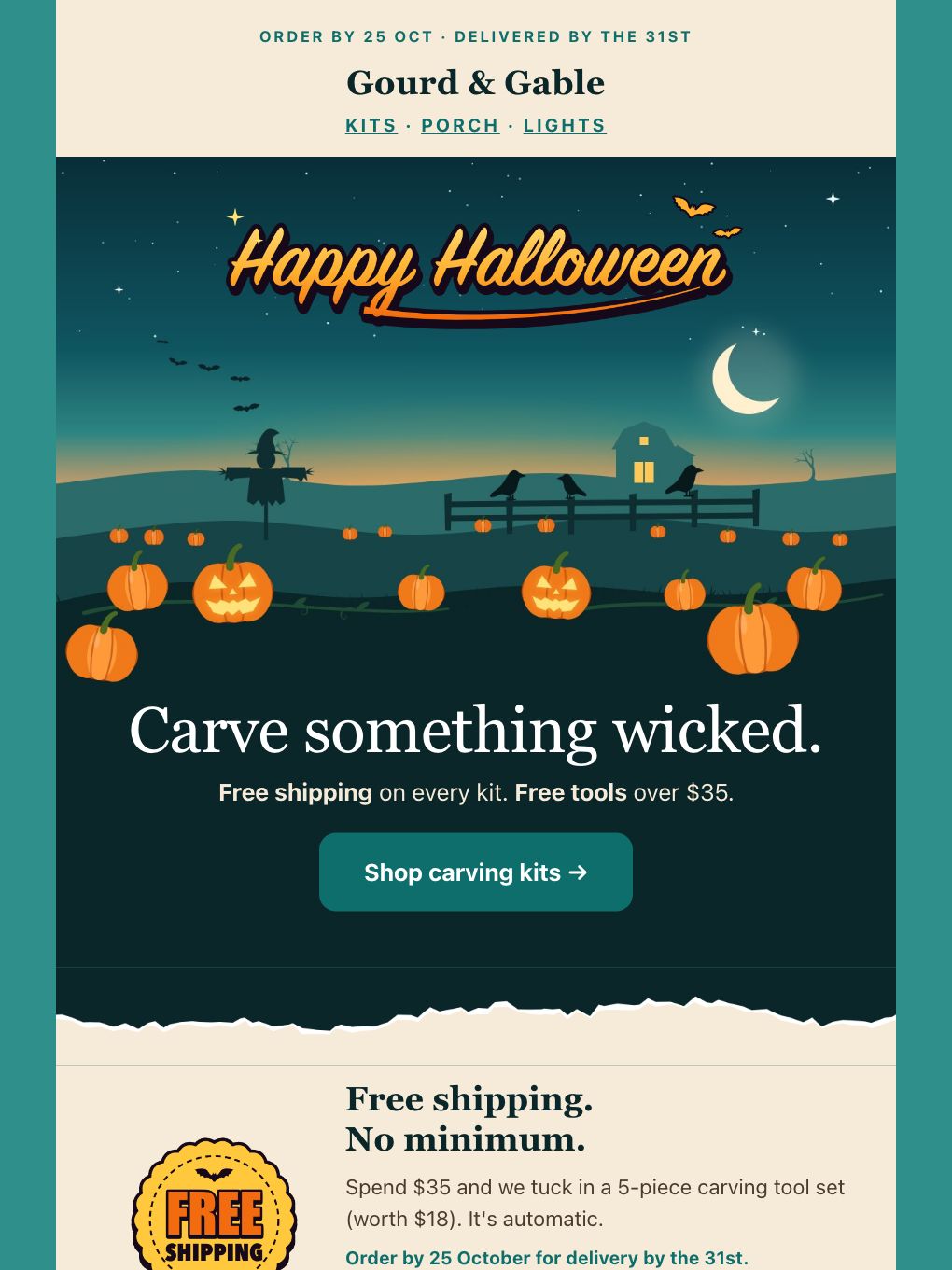
Halloween Free Shipping — Pumpkin & Porch Shop
Promotional · E-commerce
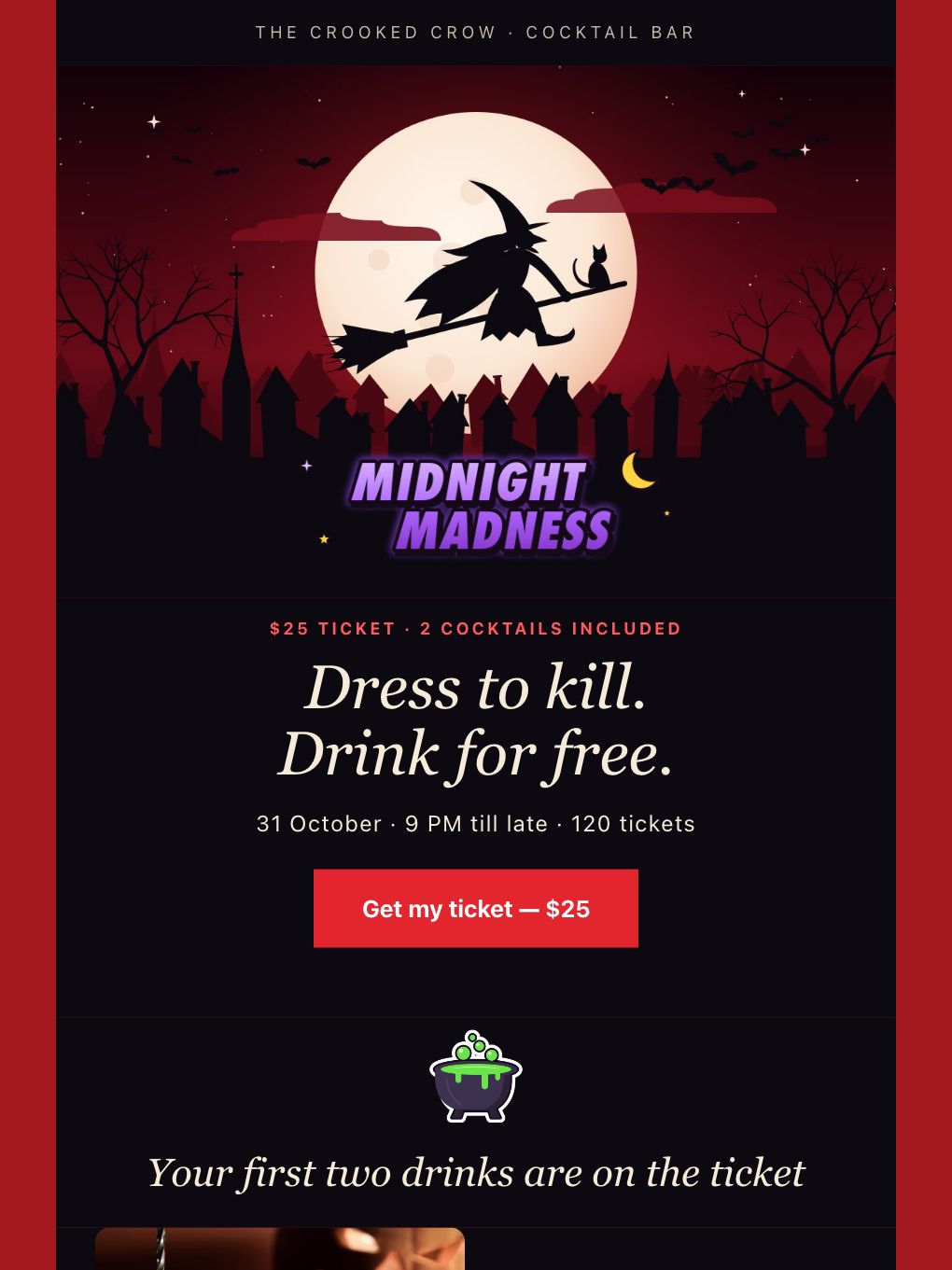
Halloween Party Night — Cocktail Bar
Event invitations · Food & Beverage
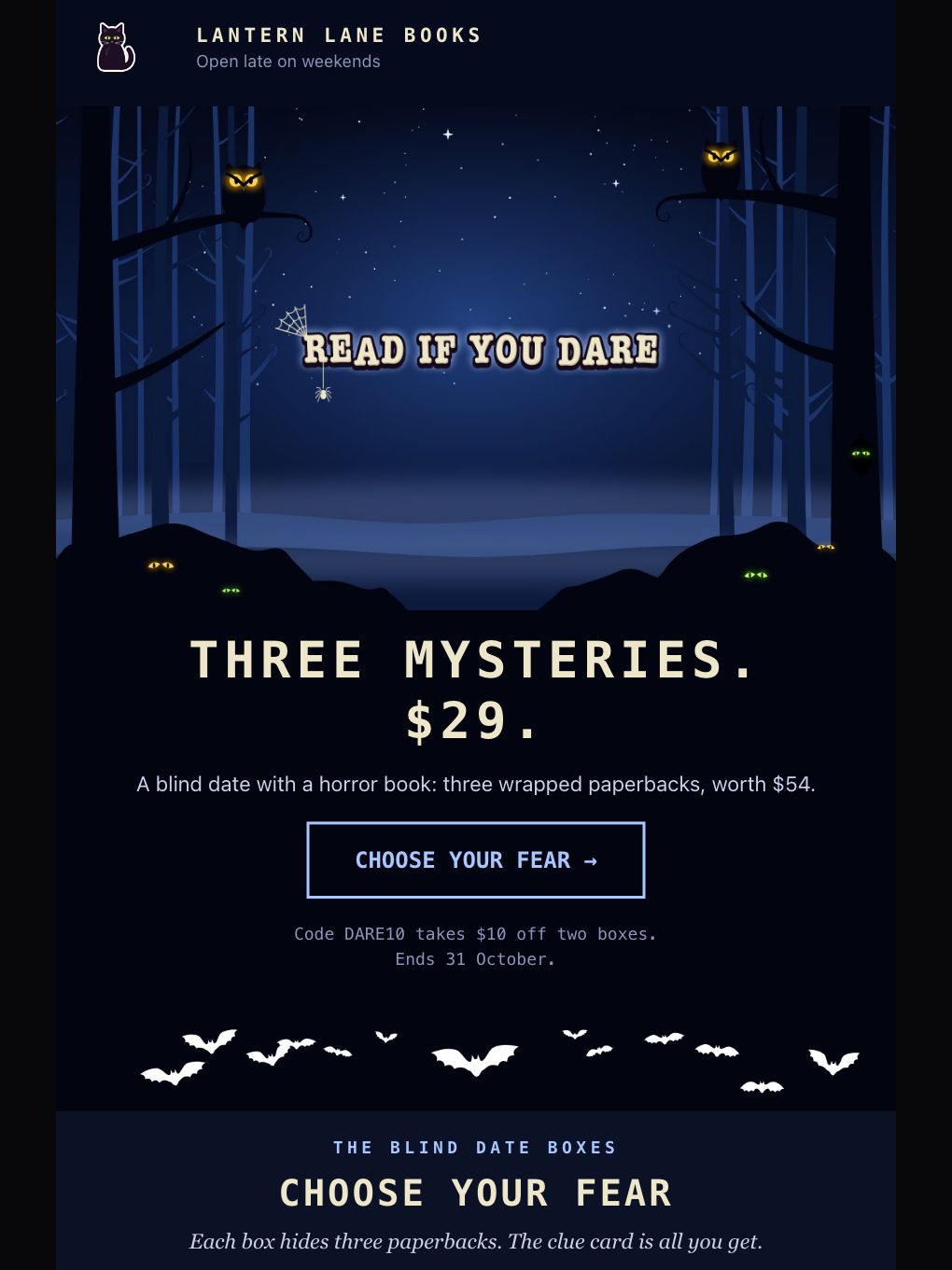
Halloween Mystery Bundle — Bookshop
Promotional · E-commerce
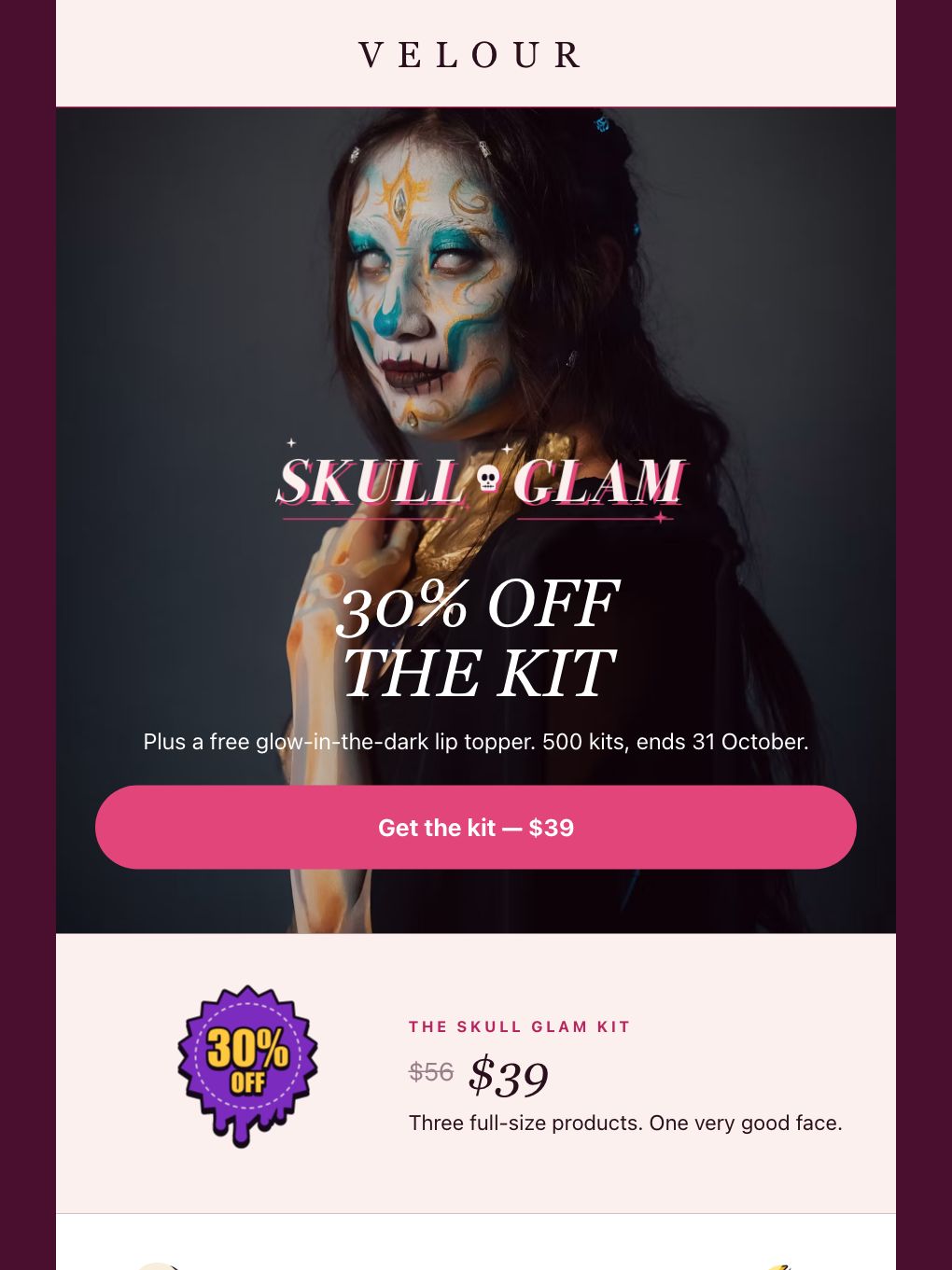
Halloween Makeup Kit — Beauty Brand
Promotional · E-commerce
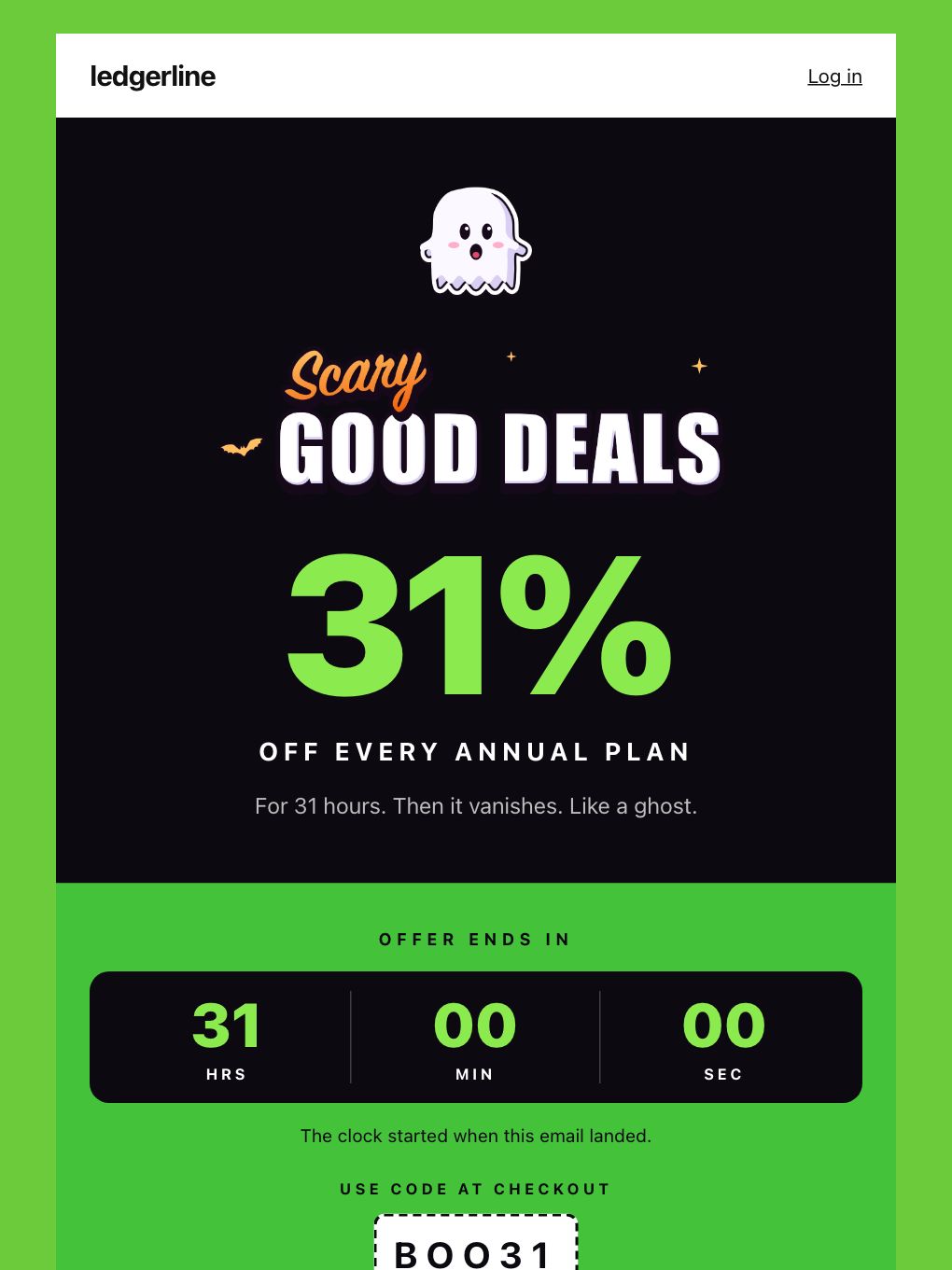
Halloween 31% Off — SaaS
Promotional · SaaS
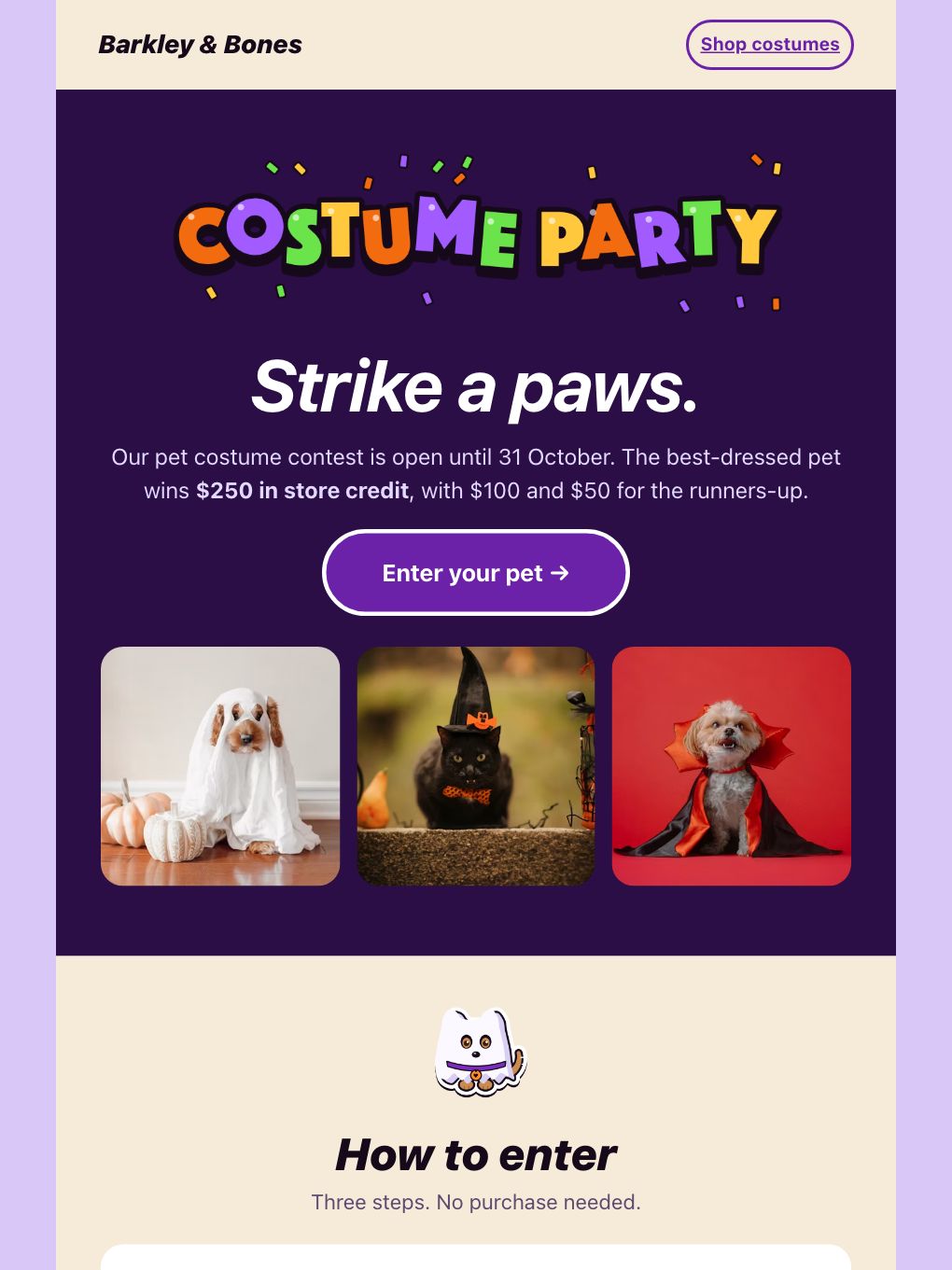
Halloween Costume Contest — Pet Store
Promotional · E-commerce
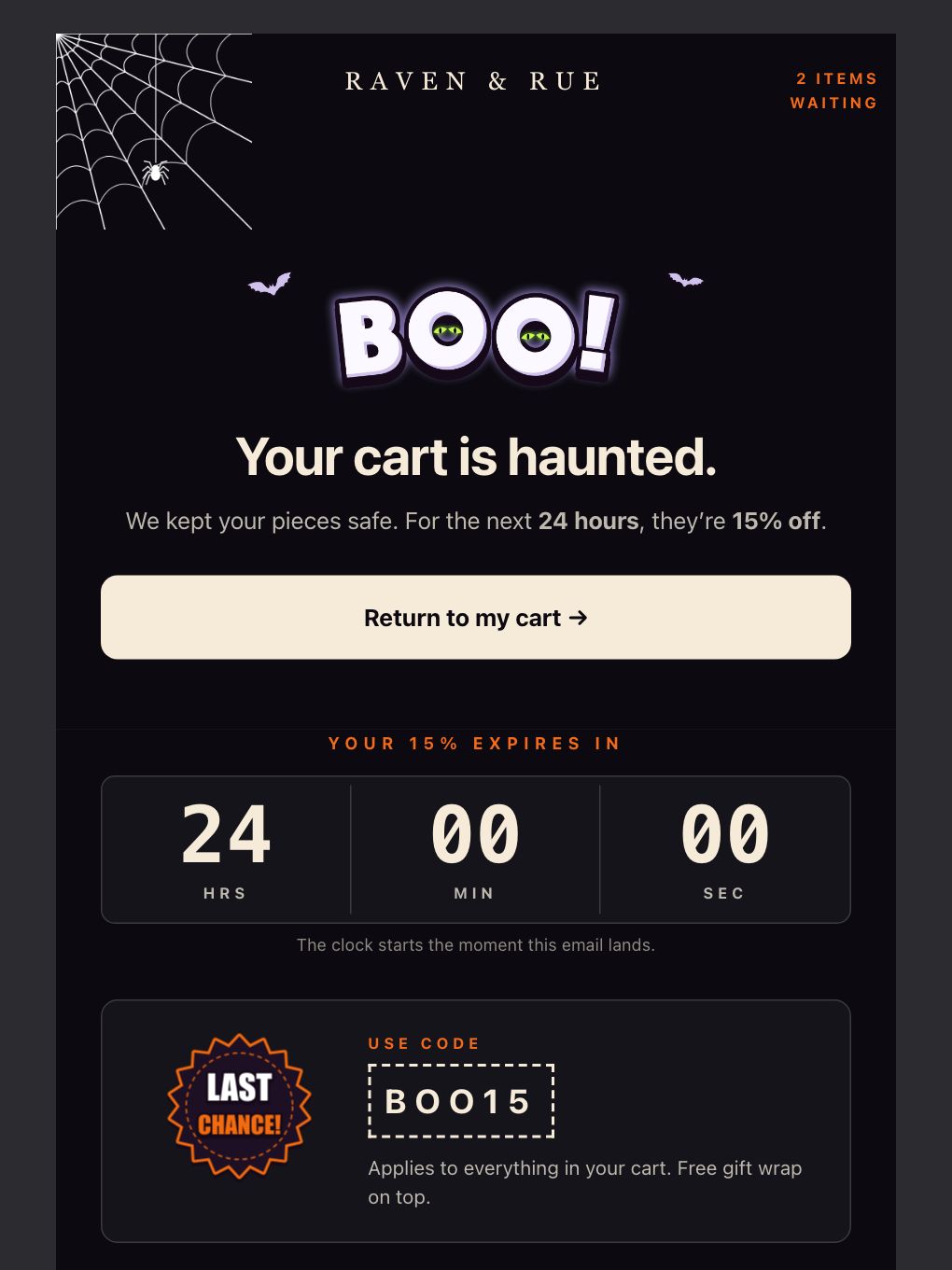
Halloween Abandoned Cart — Jewellery
Cart abandonment · E-commerce
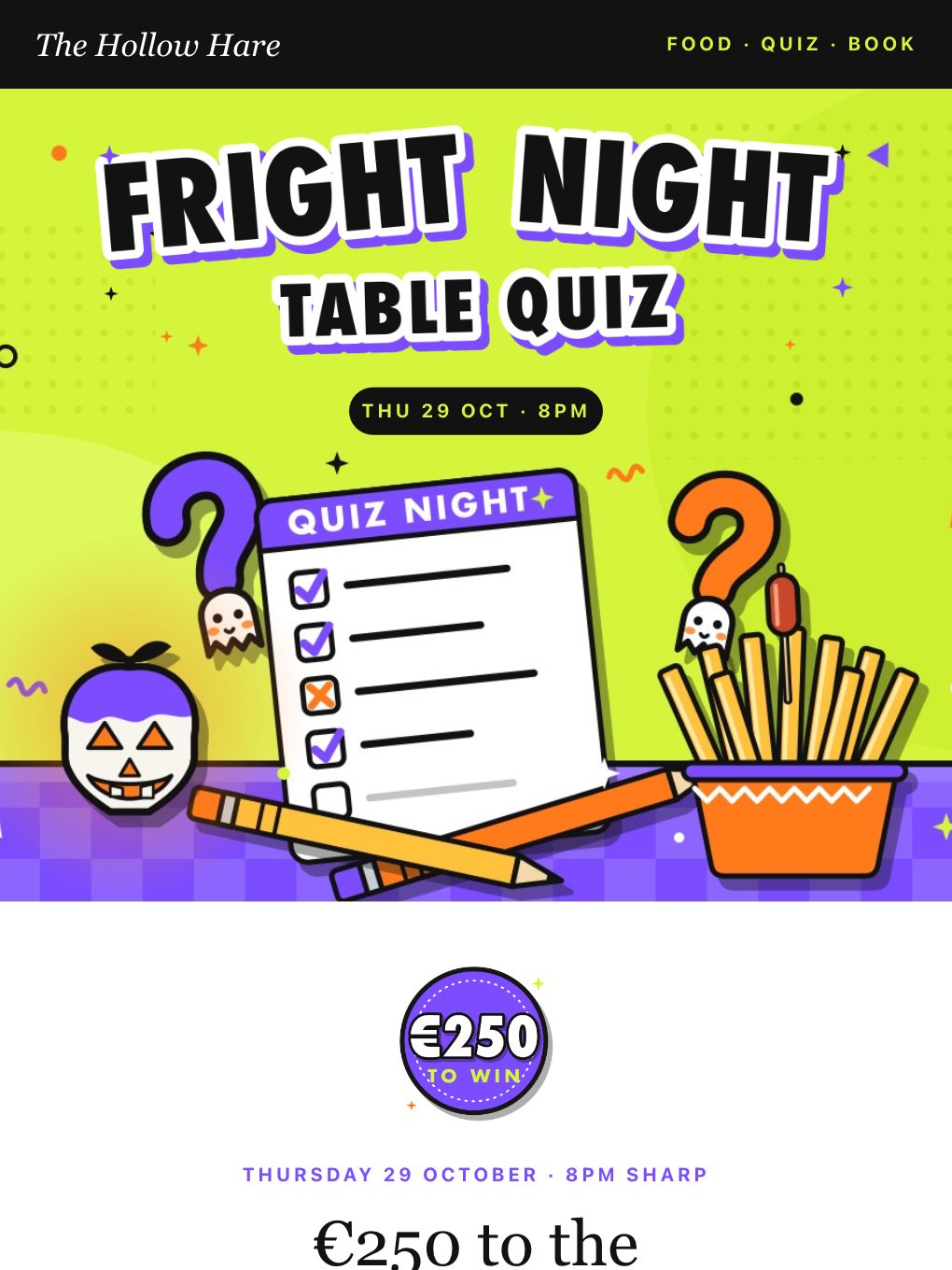
Halloween Table Quiz — Irish Pub
Event invitations · Food & Beverage
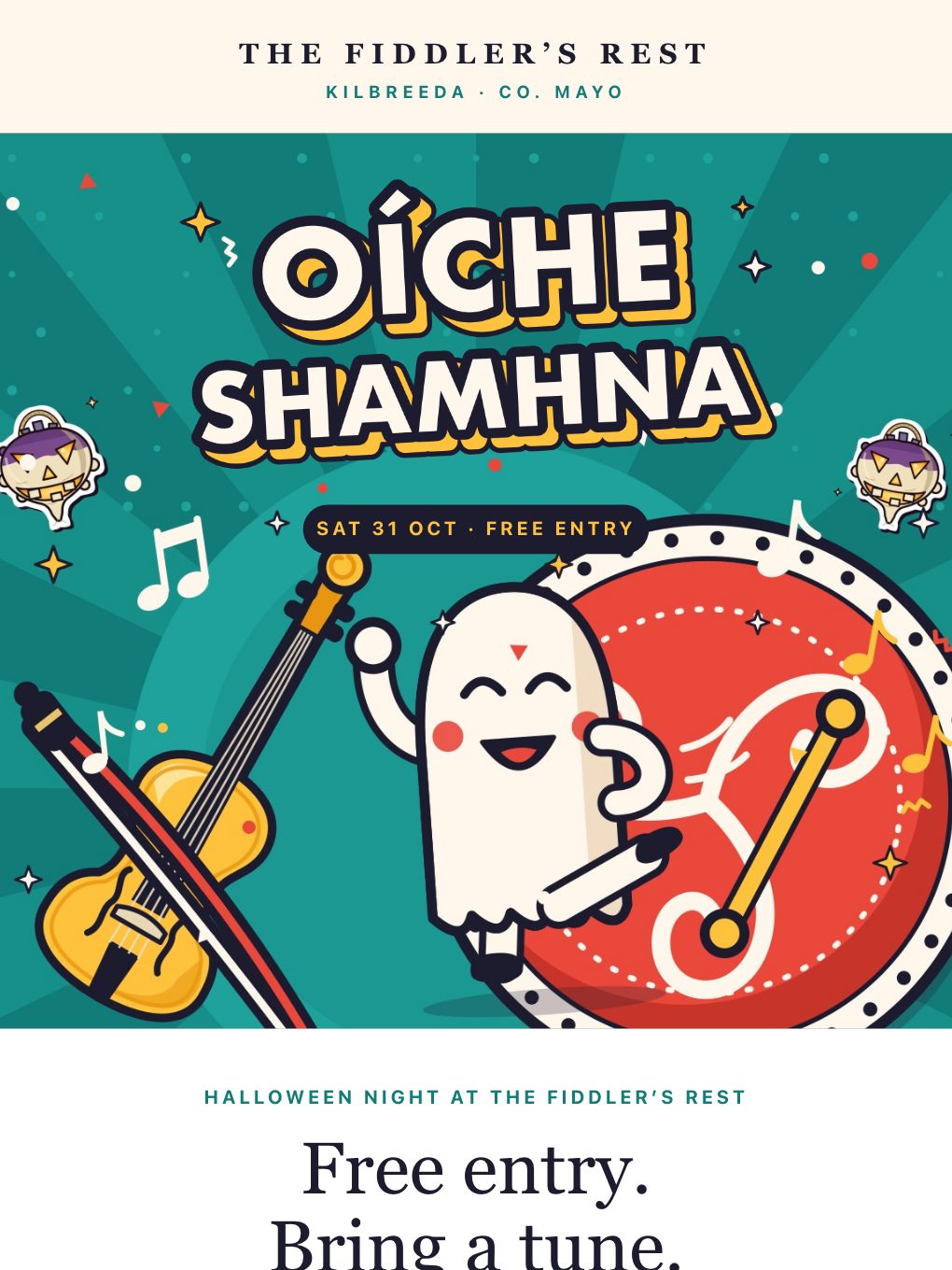
Oíche Shamhna Trad Session — Irish Pub
Event invitations · Food & Beverage
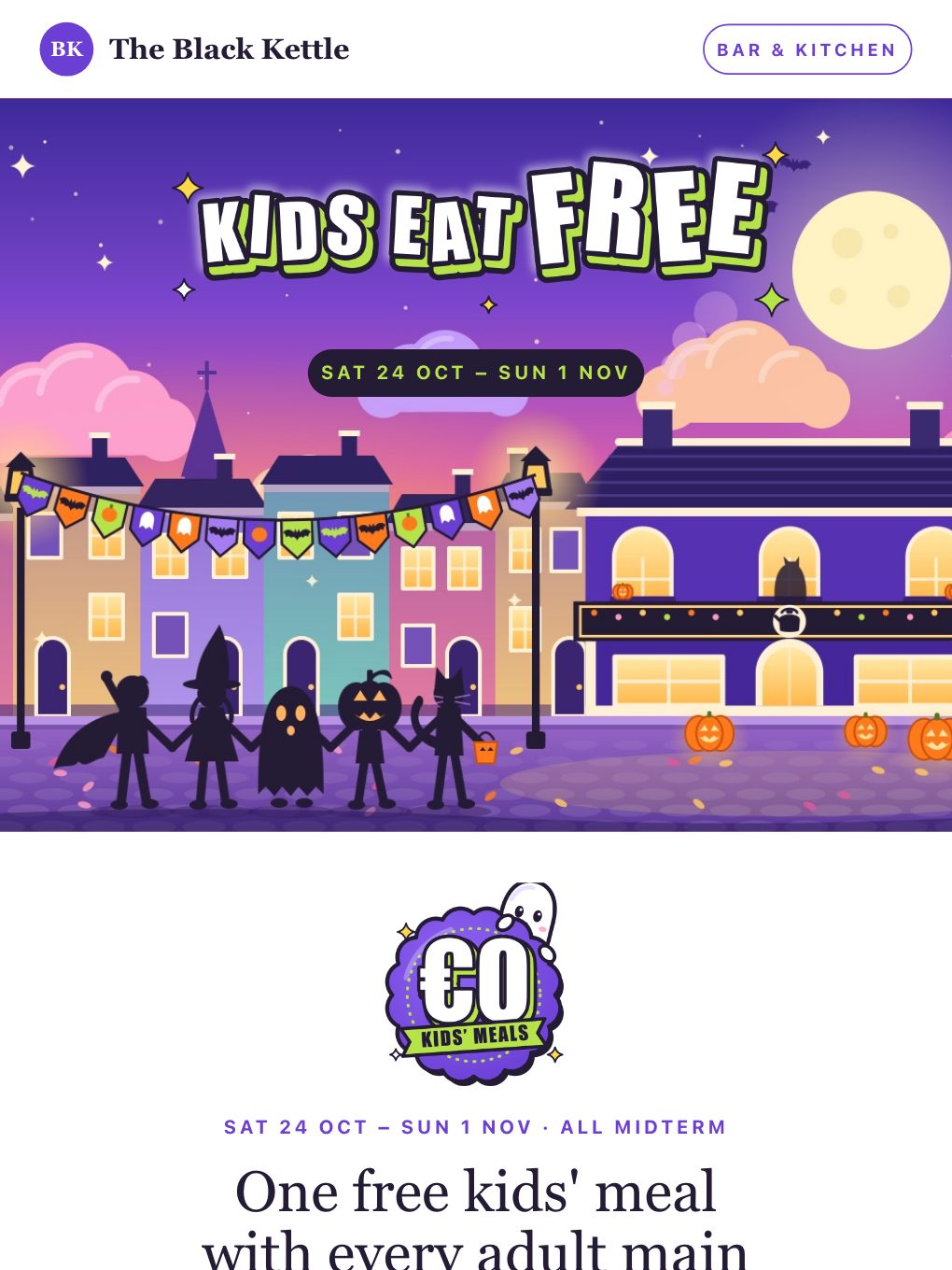
Kids Eat Free in Fancy Dress — Pub & Kitchen
Promotional · Food & Beverage
Pick the one that fits what you sell
Sell with a discount
- Halloween Spooky Sale — Costume Shop
Half-price costume sale with a code chip and a delivery cut-off band.
- Halloween Makeup Kit — Beauty Brand
30% off a makeup kit, with a free glow-in-the-dark gift.
- Halloween 31% Off — SaaS
31% off annual plans, with a countdown band.
- Halloween Free Shipping — Pumpkin & Porch Shop
Free shipping plus a free gift for home and décor shops.
Run a deal or a giveaway
- Halloween BOGO — Candy Shop
Buy-one-get-one-free candy promo with numbered steps.
- Halloween Costume Contest — Pet Store
A pet-costume giveaway with store-credit prizes.
- Halloween Mystery Bundle — Bookshop
A mystery bundle: three wrapped paperbacks for one price.
Fill a venue or an event
- Halloween Early-Bird Tickets — Haunted Attraction
Early-bird tickets for haunts, escape rooms and seasonal events.
- Halloween Party Night — Cocktail Bar
Party-night tickets for a bar, with a costume contest.
- Halloween Table Quiz — Irish Pub
A pub table quiz with a €250 prize, a fancy dress round and a warm-up question.
- Oíche Shamhna Trad Session — Irish Pub
A free-entry trad session with ghost stories, barmbrack and a best-costume prize.
- Kids Eat Free in Fancy Dress — Pub & Kitchen
Kids in fancy dress eat free all midterm, with the family menu.
Win back an abandoned cart
- Halloween Abandoned Cart — Jewellery
A 24-hour countdown with the exact pieces back at 15% off.
What makes a Halloween promo work
Lead with the number
31% off, two for one, free shipping: the offer should be readable in two seconds, before anyone scrolls.
Put a real deadline on it
A delivery cut-off, a 24-hour countdown or an end date beats a vague "limited time".
One button, verb first
Shop the sale, Get my tickets, Claim 15% off. One clear action, visible on the first screen.
Show the thing
Halloween is a visual holiday. Put a picture in every screenful: the product, the venue, the costume.
When to send it
A short run beats a single blast. Here is a simple rhythm to adapt to your own audience.
-
About two weeks out
Tease it
An early-bird offer or a teaser gets people ready and tells you who is interested.
-
A week to ten days out
Make the offer
Your main promotion: the sale, the BOGO, the free-shipping deal or the contest.
-
Three to four days out
Last order date
Shops: tell people the final day to order for Halloween delivery.
-
The final 24 hours
Last call
A short, countdown-style reminder. Venues and bars can add a day-of send.
Make it yours in minutes
- 1
Pick a template
Open any of the designs above. They are free to use.
- 2
Make it yours
Swap the offer, promo code, photos and colours in the drag-and-drop builder.
- 3
Send or schedule
Send to your list now, or schedule it for the moment that suits your audience.
Halloween email template questions
Are these Halloween email templates free?
Yes. All 13 are free to use. Open one in the Brixus365 builder with a free account, which includes 9,000 emails a month, then change the copy, offer, colours and images.
Can I change the offer, promo code and images?
Yes. Every block is editable in the visual builder: the headline, the discount, the code, the button, your own product photos and the Halloween artwork around them. Codes like SPOOKY50 are only examples, so replace them with your own.
When should I send a Halloween promotion?
Plan a short run rather than a single email: a teaser or early-bird offer about two weeks out, the main offer a week to ten days out, a last-order-date reminder three to four days out, and a last-call message in the final 24 hours. Venues and bars can add a day-of send. Test the timing against your own audience.
Will these templates look right on phones and in Gmail?
They are built on the same email-safe, table-based layouts as every Brixus365 email and stack to a single column on phones. Key sections sit on a solid colour so the offer still reads if a client blocks images. Send yourself a test before every campaign; it takes a minute.
Can I use them if I do not run a shop?
Yes. The set includes a SaaS discount, a bookshop bundle, a bar night and a haunted-attraction ticket offer. Swap the copy and images and the structure works for most time-boxed offers.